
Aug 02, 2026
•
9 mins read
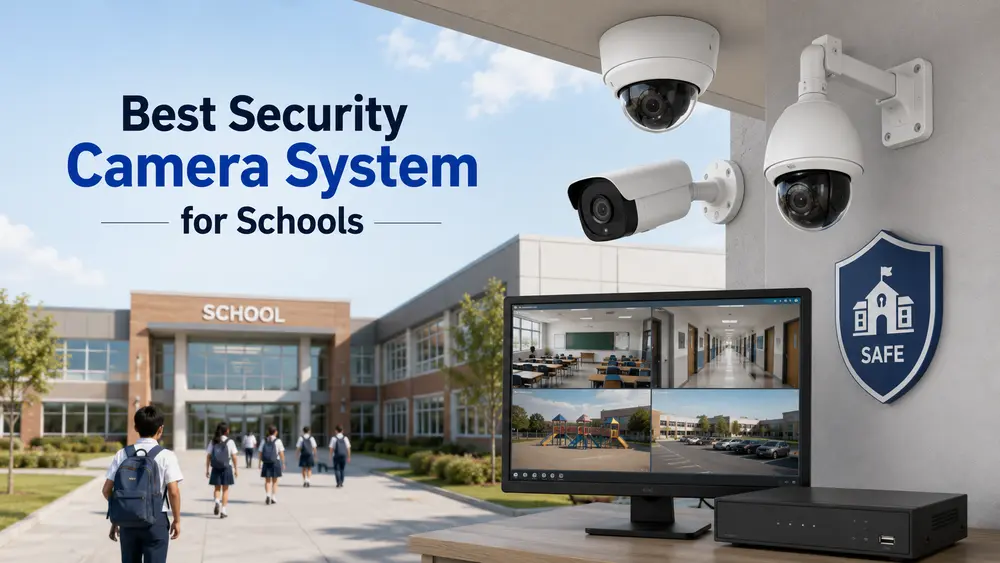
A school campus is a different kind of space to secure than a home or a shop. There are dozens of entry points, hundreds of people moving through it every day, and a mix of indoor classrooms, corridors, playgrounds, and parking areas, each with its own risks. That's why "just install a few cameras" doesn't really work for schools the way it might for a house. This guide covers what actually makes a security camera system suitable for a school, what Indian regulations now require, and how to plan a setup that covers a campus properly instead of leaving gaps.
Why Schools Need a Dedicated Camera System
Home and shop CCTV systems are built around a handful of entry points. A school has to cover gates, corridors, staircases, playgrounds, labs, the school bus area, and often a boundary wall, all while making sure the system doesn't interfere with classroom privacy where it isn't needed. The goals are also broader than just catching theft:
- Confirming who enters and exits the campus, especially at gates and the main office
- Reducing bullying, vandalism, and unsupervised access to restricted areas
- Giving staff a way to respond quickly if something happens in a corridor or playground they can't see directly
- Providing footage for parents and authorities if an incident needs to be reviewed
- Meeting the documentation requirements that education boards now expect schools to have in place
CBSE and State Guidelines on School CCTV: What Changed
In July 2025, CBSE amended its affiliation bye-laws to make CCTV installation mandatory for all affiliated schools, not just a recommended safety measure. The requirement specifically calls for high-resolution cameras with audio-visual recording covering key areas of the campus, with footage retained for at least 15 days. Several state education departments have followed with similar safety guidelines of their own.
For school administrators, this means a security camera system is no longer just a safety upgrade, it's part of staying compliant. When you're planning a setup, it's worth checking your specific state and board requirements alongside the general buying advice below, since retention periods and coverage expectations can vary.
Key Areas a School Camera System Should Cover
Before picking cameras, map out the campus by zone. Most schools need coverage across:
- Main gate and entrance: to log who enters and exits, and to catch anyone trying to bypass the main gate
- Corridors and staircases: the areas with the most foot traffic and least direct staff supervision
- Playground and sports areas: wide, open spaces that need wide-angle or PTZ (pan-tilt-zoom) cameras rather than fixed narrow-view ones
- Parking and bus pickup zone: important both for vehicle safety and for confirming which bus a child boarded
- Boundary wall and perimeter: to catch anyone trying to enter from outside the main gate
- Reception and administrative office: where visitors are logged and where cash or documents are often handled
- Labs, library, and other high-value rooms: for equipment and asset protection outside school hours
Classrooms themselves are handled case by case. Many schools choose not to place cameras directly inside classrooms for privacy reasons, focusing coverage on shared and transitional spaces instead.
What Makes a Camera "Best" for a School Setting
A camera that works well in a home doesn't automatically work well across a school campus. A few features matter more here than elsewhere:
Resolution: 4MP or 5MP is now the practical minimum for identifying faces clearly across a wide corridor or playground, rather than the 2MP cameras that are fine for a small flat.
Wide-angle or PTZ coverage: open areas like playgrounds and parking lots need cameras that can cover a wide field of view, or PTZ cameras that staff can pan and zoom remotely when checking on something specific.
Night vision: for schools with evening activities, hostels, or early-morning arrivals, decent night vision on outdoor and perimeter cameras is non-negotiable, not optional.
Audio-visual recording: this is now a specific CBSE requirement, not just a nice-to-have, so confirm the system records audio alongside video where your board or state mandates it.
Two-way audio: lets an administrator speak directly through a camera at the gate or reception, useful for managing visitors without someone having to walk over.
Mobile and remote access: principals and administrators increasingly need to check live feeds from their phone or laptop, whether they're on campus or not, especially across multi-building or multi-campus setups.
Storage and retention: with a minimum 15-day retention requirement now in place for CBSE schools, plan storage capacity around that baseline rather than the shorter retention typical of home systems, and build in some margin above the minimum.
Wired vs Wireless for School Campuses
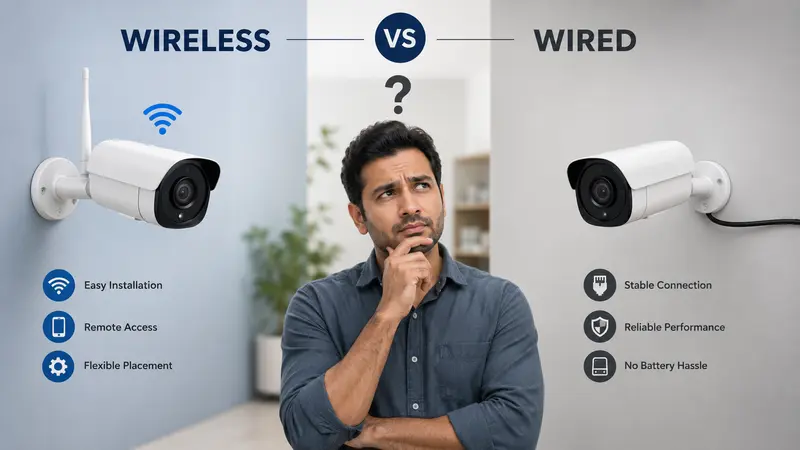
The wired-vs-wireless decision plays out differently at school scale than it does for a single home.
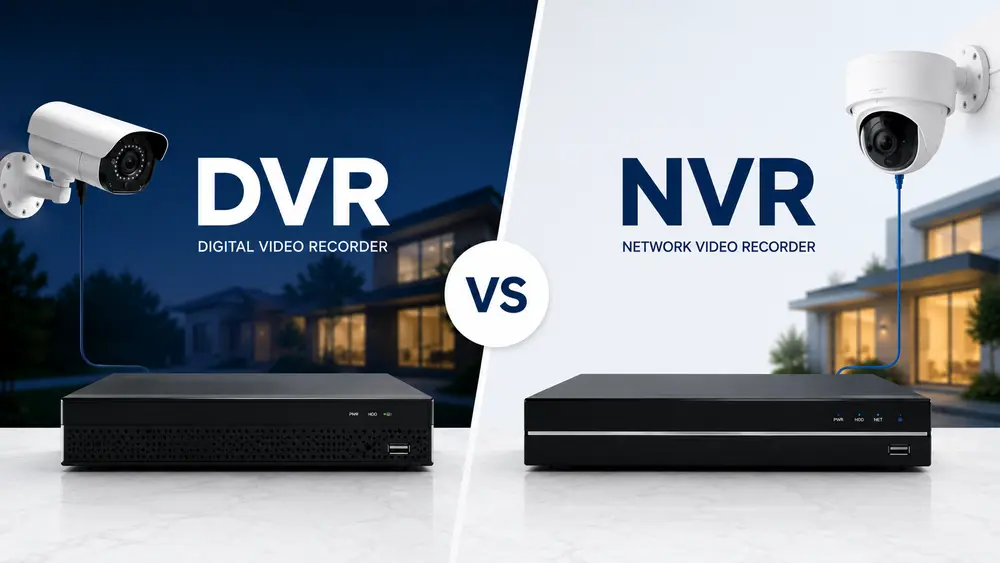
Wired (DVR/NVR-based) systems are still the more common choice for full campuses, since a school is a permanent structure where running cables is a one-time job, not a recurring inconvenience. A wired setup also means dozens of cameras aren't all competing for WiFi bandwidth, which matters once you're running 16 or more cameras at once.
Wireless cameras still have a place for smaller schools, temporary setups, or covering an isolated area like a detached building or an outdoor shed where cabling is impractical. They're also easier to add incrementally if a school is expanding coverage zone by zone rather than fitting out an entire campus at once.
Most mid-sized schools end up with a hybrid approach: a wired backbone covering the main building and boundary, with a few wireless cameras filling gaps in outbuildings or newly added areas.
How Many Cameras Does a School Actually Need?
This depends heavily on campus size and layout, but as a rough starting point, a medium-sized school typically needs somewhere between 16 and 32 cameras to cover gates, corridors, playgrounds, parking, and administrative areas without leaving major blind spots. Larger campuses with multiple buildings or a boarding facility will need more, and a proper site survey is worth doing before finalizing numbers, since corridor length and playground size vary a lot between schools.
Security Camera System Cost for Schools in India
Costs scale with the number of cameras, resolution, and whether the system includes access control or AI-based analytics like weapon or loitering detection. As a general range:
- Basic wired system (16 to 20 cameras, 4MP, DVR/NVR, cabling, and installation): schools should budget for a meaningfully larger investment than a home setup, given the cable runs, camera count, and labor across a full campus.
- Higher-end systems with 5MP+ resolution, PTZ cameras for open areas, audio recording, and extended storage cost more per camera but reduce blind spots and meet audio-visual compliance requirements more comfortably.
- AI-enabled analytics (motion zones, loitering alerts, perimeter breach detection) add to the base cost but reduce how much footage staff need to manually review.
Getting a site-specific quote from an installer who can walk the campus is more useful than a flat number, since a two-building day school and a boarding campus with a boundary wall have very different requirements.
Choosing an Installer for a School Security System
A few things are worth checking before signing on with an installation vendor:
- Experience specifically with school or institutional campuses, not just homes and shops
- Familiarity with CBSE or your state board's specific documentation and retention requirements
- A clear plan for cabling, camera placement, and NVR/DVR positioning based on an actual site visit, not a generic package
- Ongoing maintenance and support, since a system serving hundreds of students daily needs faster turnaround on faults than a home setup would
Conclusion
Every campus has a different layout, so the right camera count, placement, and wired-versus-wireless mix really do depend on walking the site rather than following a generic checklist. If you're setting up or upgrading a school security system, Raj Communication works with educational institutions on exactly this: a proper site survey, a coverage plan that accounts for CBSE and state requirements, and installation that fits the campus rather than a one-size package.
Frequently Asked Questions
Is CCTV mandatory in schools in India?
Yes, for CBSE-affiliated schools. Since July 2025, CBSE's affiliation bye-laws require high-resolution cameras with audio-visual recording in key campus areas, with footage stored for at least 15 days. Several states have similar requirements for schools under their boards.
How many CCTV cameras does a school need?
A medium-sized school typically needs 16 to 32 cameras to cover gates, corridors, playgrounds, and parking areas. Larger campuses or those with boarding facilities usually need more, based on a proper site survey.
What resolution camera is best for a school?
4MP or 5MP is generally recommended for schools, since it holds up better across wide corridors and open playgrounds than the 2MP cameras common in home setups.
Should schools use wired or wireless CCTV?
Most schools use a wired DVR/NVR system as the main backbone, since it's a one-time cabling job on a permanent campus and doesn't compete for WiFi bandwidth across dozens of cameras. Wireless cameras are still useful for smaller schools or hard-to-cable outbuildings.
Does a school CCTV system need audio recording?
Yes, for CBSE-affiliated schools this is now a specific requirement alongside video, not an optional add-on.