

Aug 02, 2026
•
9 mins read
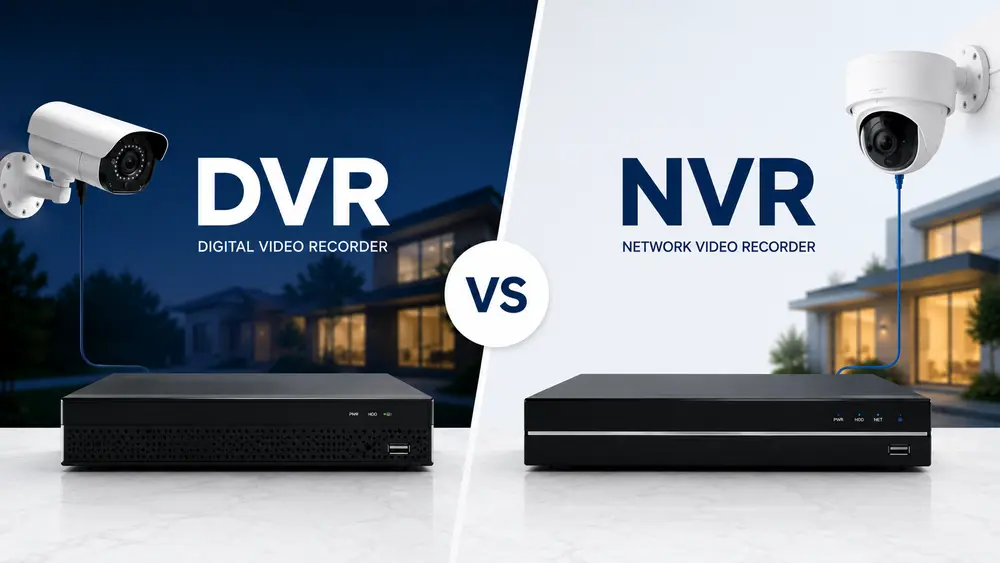
If you've been shopping for a CCTV system, you've probably seen these two terms everywhere: DVR and NVR. They look similar, they sound similar, and most shop listings don't explain them at all. But they work in different ways, they're built for different types of cameras, and picking the wrong one can mean buying cameras that don't even work with your recorder. Let's break both of these down in plain language.
NVR Full Form and What It Means
NVR stands for Network Video Recorder. As the name suggests, it works over a network, meaning it receives video through an Ethernet connection instead of a direct cable running from each camera.
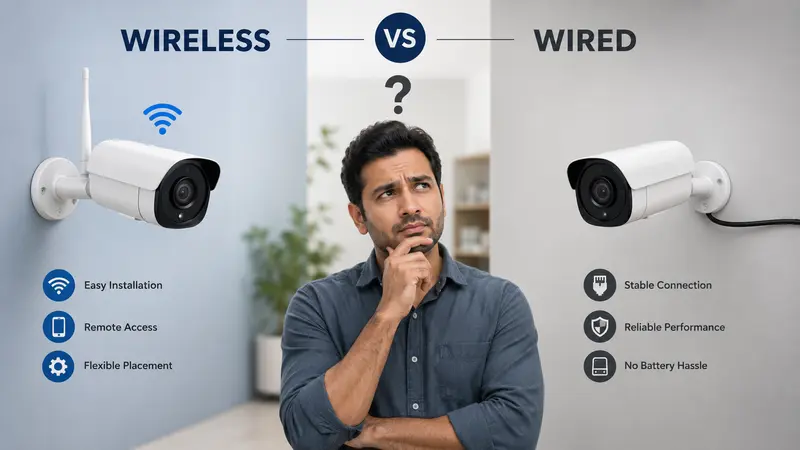
Here's the simple way to understand it: with an NVR, the camera itself does most of the work. Each camera processes and compresses its own video before sending it to the recorder. The NVR's job is mainly to receive that video, store it, and let you view it on your phone or a screen. This is why NVR systems work with IP cameras (also called network cameras), including WiFi cameras and PoE cameras.
DVR Full Form and What It Means
DVR stands for Digital Video Recorder. This is the older and more familiar technology, and it works the opposite way from an NVR.
With a DVR, the camera just captures a raw video signal and sends it straight to the recorder through a coaxial cable. The DVR itself does all the heavy lifting: it takes that raw signal, converts it into digital video, compresses it, and saves it to the hard drive. This is why DVR systems are built specifically for analog CCTV cameras, the traditional kind that have been used in Indian homes and shops for years.
The Core Difference: Where the Work Happens
If you remember just one thing from this article, remember this: a DVR processes video at the recorder, while an NVR processes video at the camera itself, before sending it over.
This one difference is what causes almost every other difference between the two systems, from cabling to picture quality to how easy they are to expand later.
DVR vs NVR: Side-by-Side Comparison
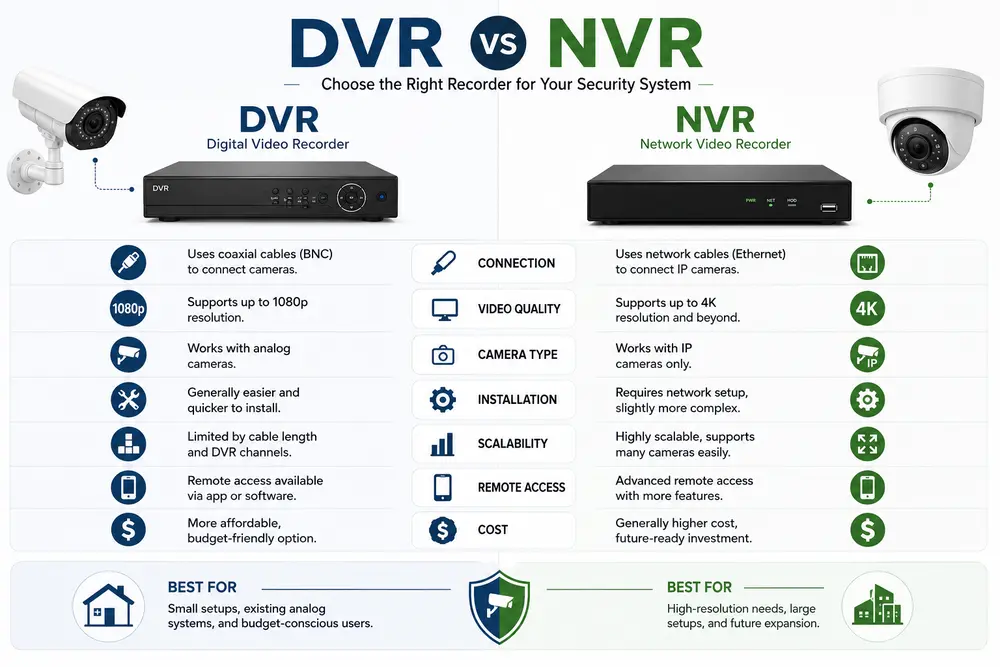
Camera type DVR works only with analog CCTV cameras. NVR works with IP cameras, including WiFi and PoE cameras.
Cabling DVR needs a coaxial cable for video, and often a separate power cable for each camera, which means more wiring work during installation. NVR can use a single Ethernet cable that carries both power and data if you're using PoE (Power over Ethernet) cameras, which cuts down on cable clutter significantly.
Video quality DVR picture quality has improved a lot in recent years with HD-over-coax technology, but it can still be affected by interference over long cable runs, sometimes showing up as flickering or faint double images. NVR video is transmitted digitally, so it holds up better over distance and generally delivers clearer, more stable footage, especially at higher resolutions like 4K.
Audio recording DVR systems usually need a separate microphone and extra wiring to record audio properly. NVR systems support audio natively through the same network cable, so it's simpler to set up.
Cable distance DVR coaxial cables are typically limited to around 300 feet before signal quality starts dropping. NVR systems, using Ethernet, can often run similar or longer distances without losing quality, and can be extended further using network switches.
Storage and expansion DVR systems store everything on an internal hard drive, and expanding storage usually means opening the unit and swapping hardware. NVR systems are easier to scale, since you can add network storage or cloud backup without replacing the whole unit.
Cost DVR systems and analog cameras are generally cheaper upfront, which is why they're still common in budget CCTV setups. NVR systems and IP cameras cost more initially, but they tend to need less maintenance and scale more easily over time, so the total cost evens out more than the sticker price suggests.
Camera flexibility DVR lets you mix and match analog cameras from different brands fairly easily, since they all send a similar raw signal. NVR systems can be pickier, and mixing cameras from different brands sometimes causes compatibility issues, so many installers recommend sticking with one brand for an NVR setup.
Which One Should You Choose?
There isn't one correct answer for everyone, it depends on what you're starting with and what you need.
Go with DVR if:
- You already have an existing analog CCTV setup with coaxial cabling in place and want to upgrade cameras without redoing all the wiring
- You're working with a tighter budget and want a reliable, no-frills system
- You don't need the highest possible video resolution or advanced smart features
Go with NVR if:
- You're installing a CCTV system from scratch, since there's no old cabling to work around
- You want higher resolution footage (4K and above) with clearer, more stable image quality
- You want an easier, cleaner installation using PoE cameras with a single cable per camera
- You plan to expand the system later, adding more cameras or storage without much hassle
For most new installations in 2026, NVR with IP or PoE cameras is generally the better long-term choice, mainly because of the picture quality and how much easier it is to expand later. DVR still makes sense if you're upgrading an older system and want to avoid the cost and effort of rewiring the whole property.
Conclusion
Reading the differences on paper only helps so much when you're standing in your own home or shop trying to decide. If you'd rather have someone look at your property, your existing wiring (if any), and your budget before recommending DVR or NVR, Raj Communication can walk you through the right choice and handle the installation from there.
Frequently Asked Questions
What is the full form of NVR?
NVR stands for Network Video Recorder. It records video from IP cameras that send data over a network connection, usually Ethernet.
What is the full form of DVR?
DVR stands for Digital Video Recorder. It records video from analog CCTV cameras that send a raw video signal through a coaxial cable.
What is the main difference between DVR and NVR?
The main difference is where the video gets processed. A DVR processes and encodes the video at the recorder itself. An NVR receives video that's already been processed by the camera, so the recorder's job is mainly to store and display it.
Which is better, DVR or NVR?
Neither is universally better, it depends on your situation. NVR generally offers better video quality, easier installation, and simpler expansion, making it the better choice for new installations. DVR is a solid, budget-friendly option if you already have existing analog wiring in place.
Can I use NVR cameras with a DVR, or DVR cameras with an NVR?
No, not directly. DVRs are built for analog cameras and NVRs are built for IP cameras, and the two aren't interchangeable without extra converter hardware, which usually isn't worth the cost or hassle.
Is NVR more expensive than DVR?
Usually, yes, upfront. NVR systems and IP cameras cost more to buy initially than DVR systems and analog cameras. Over several years, though, NVR systems often work out to a similar or better value because they need less maintenance and are easier to expand.
Also Read: